


999K App Download Guide — Premium Betting on Mobile
Downloading the 999K app is a smart solution for enjoying entertainment anytime and anywhere. Modern technology is used to deliver fast and smooth access. In just a few simple steps, players can unlock a complete mini-casino experience right from their mobile device. The 999K mobile app is regularly updated with the latest features, while a high-level encryption system helps ensure full protection of user information.
Download the 999K App — Seamless Access to the Gaming Lobby
By downloading the 999K app, players can completely avoid the problem of blocked access links. The app is compatible with both Android and iOS operating systems.
Even during peak traffic periods, the app remains fully stable. Its size has been optimized, so it does not significantly slow down the device or consume excessive battery power during use.
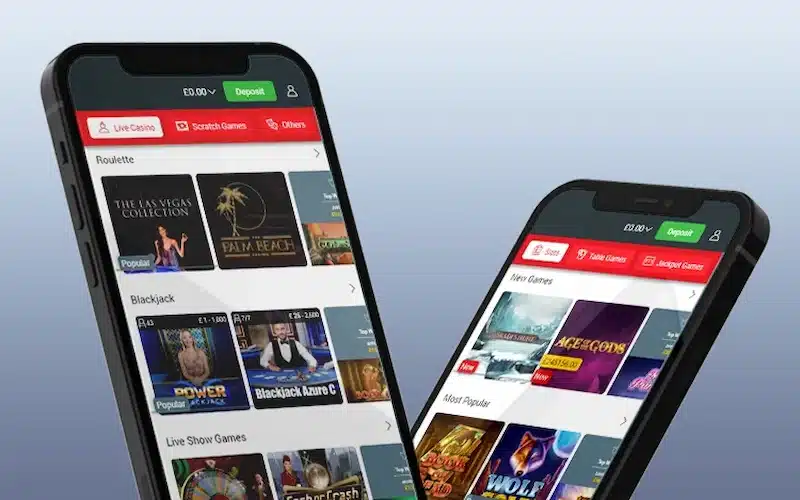
The mobile app interface is well organized and visually clean. With just a light tap, players can quickly find their preferred betting lobby. All betting activity and results can also be tracked easily and clearly.
How to Download the 999K App on Android
🔰 Step 1: Visit the official homepage and scan the relevant QR code.
🔰 Step 2: The website will begin downloading the 999K APK file for Android devices.
🔰 Step 3: Once the APK file has been downloaded, go to your phone settings and allow installation from unknown sources. It usually takes less than a minute for the app icon to appear on the home screen.
🔰 Step 4: The app will appear on your mobile screen. After installation, you can log in to your personal account immediately.
All data and existing balance will be fully synchronized, allowing players to continue unfinished games. The system also includes an automatic password-saving feature, making future access even more convenient.
How to Download the 999K App on iOS

🔰 Step 1: To download the 999K app for iPhone, use the direct download link. Click the “Download App” button on the homepage.
🔰 Step 2: Select the app download option for iOS devices. You may also download it by scanning the QR code.
🔰 Step 3: The system will notify you that the 999K app profile is being downloaded. Allow the profile download in the notification.
🔰 Step 4: Go to your phone settings, then open VPN & Device Management. Select the 999K profile and install it on your device.
🔰 Step 5: The app has now been installed on your iPhone. Return to the home screen and log in.
On iOS, the app offers fast response speed with no noticeable lag. Game transitions are smooth, and smart shortcuts can also be used to perform deposit and withdrawal commands more quickly.
Important Things to Remember When Downloading the App
Only download the app from the official link provided on the 999K homepage. Downloading from unfamiliar websites or unknown sources may expose your device to malware risks.
Keeping your personal device secure while betting helps protect both your funds and confidential information. It is also recommended to keep the app updated to the latest version at all times.
Before starting the installation, check the available storage space on your phone. Although the app is lightweight, having enough free space helps it run more smoothly.
Make sure you have a stable internet connection to avoid interruptions or file errors during the download process. For the best experience on the 999K system, follow all technical instructions carefully.